Your iPhone Lock Screen,
on autopilot.
Calendar, top 3, todos, countdowns - a fresh wallpaper saved to Photos every morning via Apple Shortcuts. Plus an interactive widget to check todos right from your Home Screen.
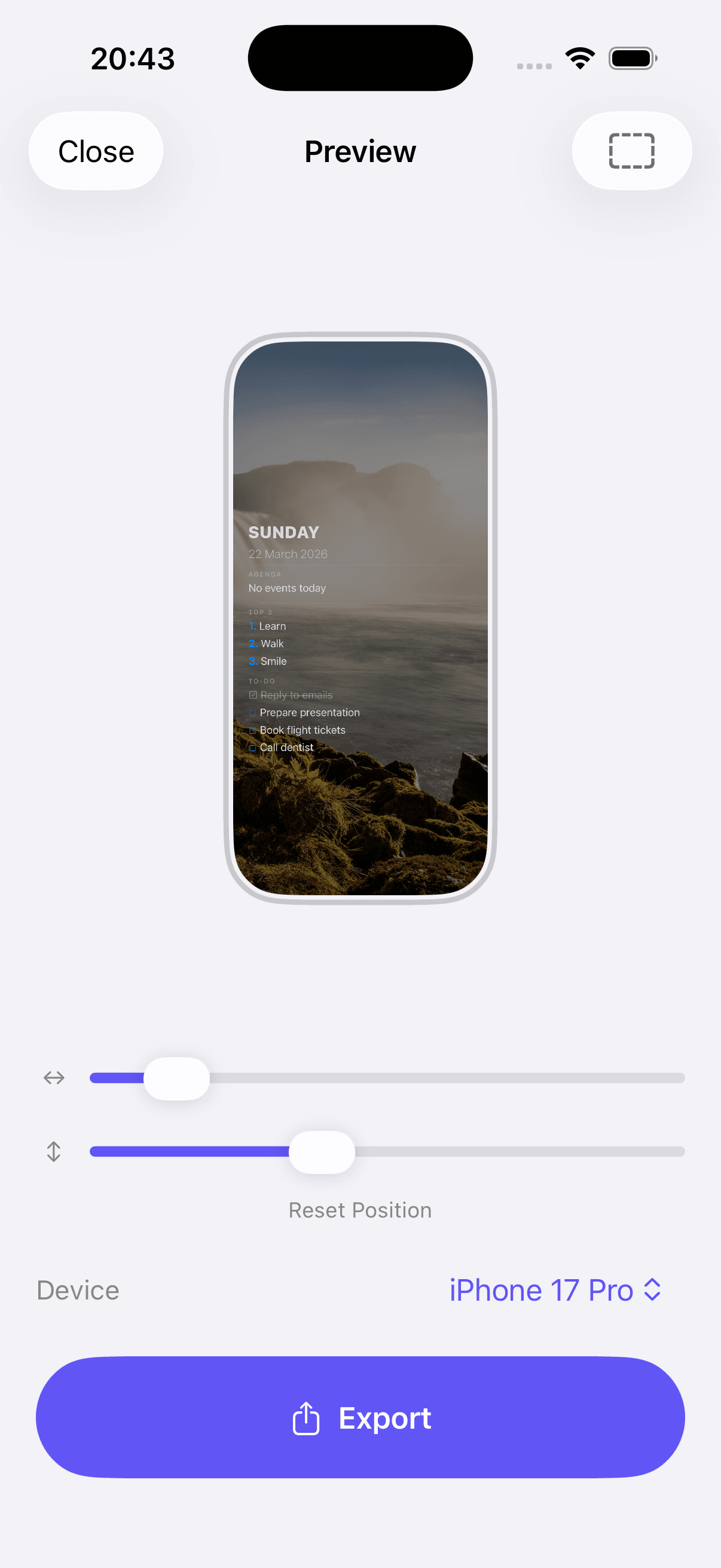
Monday, March 22
09:41
Agenda
09:00 Team Standup
10:30 Design Review
14:00 Sprint Planning
Top 3
1. Ship v1.0
2. Review pull requests
3. Gym at 6pm
To-Do
☑ Reply to emails
☐ Prepare presentation
☐ Book flight tickets
Check todos done
from your Home Screen.
One tap on the interactive widget marks a todo done — without ever opening the app. Built on iOS 17 App Intents and synced via App Group SwiftData.
Tap to toggle
Mark anything done from the widget. No app launch, no animation delay.
Stays in sync
App and widget share the same SwiftData store via App Group, so changes appear everywhere instantly.
Two sizes
Small fits 3 todos, medium fits 6. Place it wherever you actually look.
Fresh wallpaper.
Every morning.
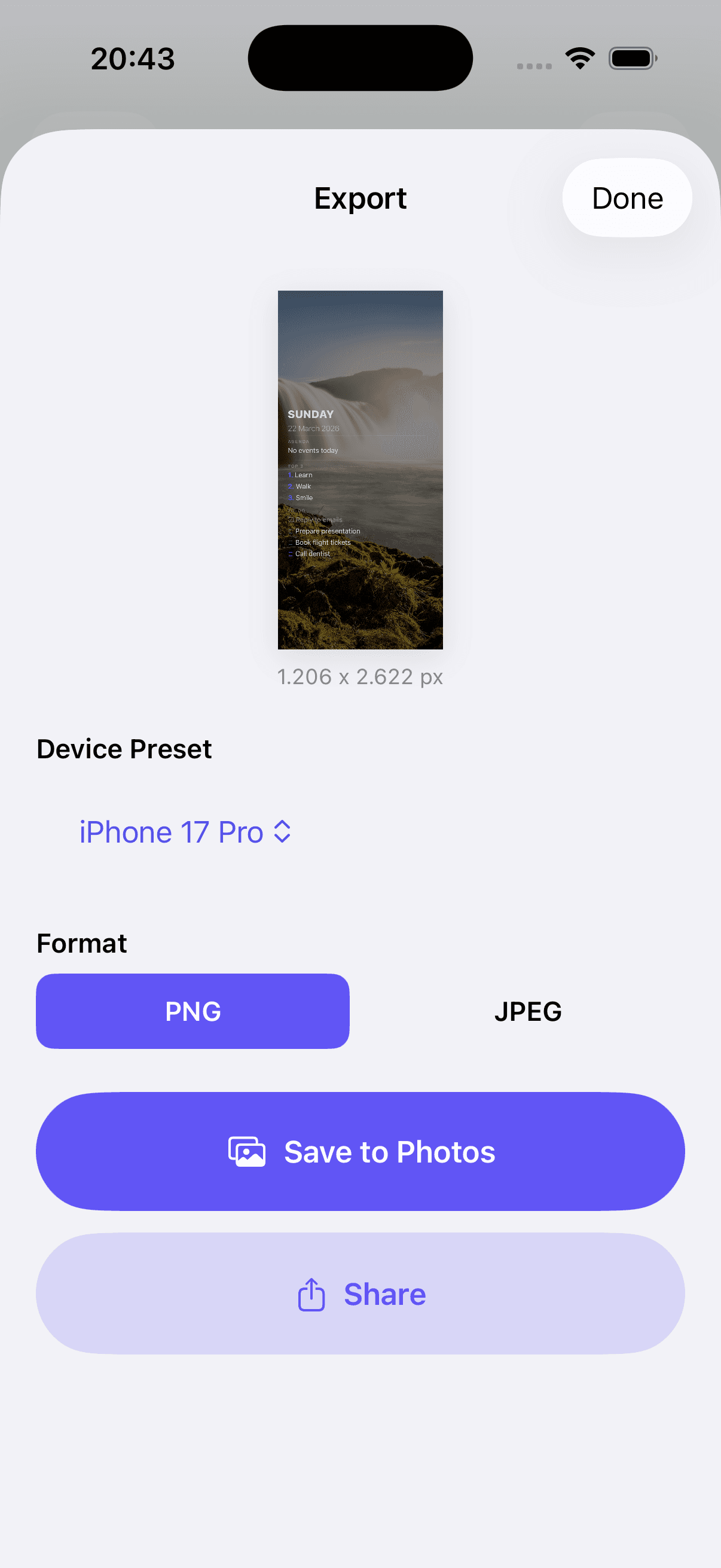
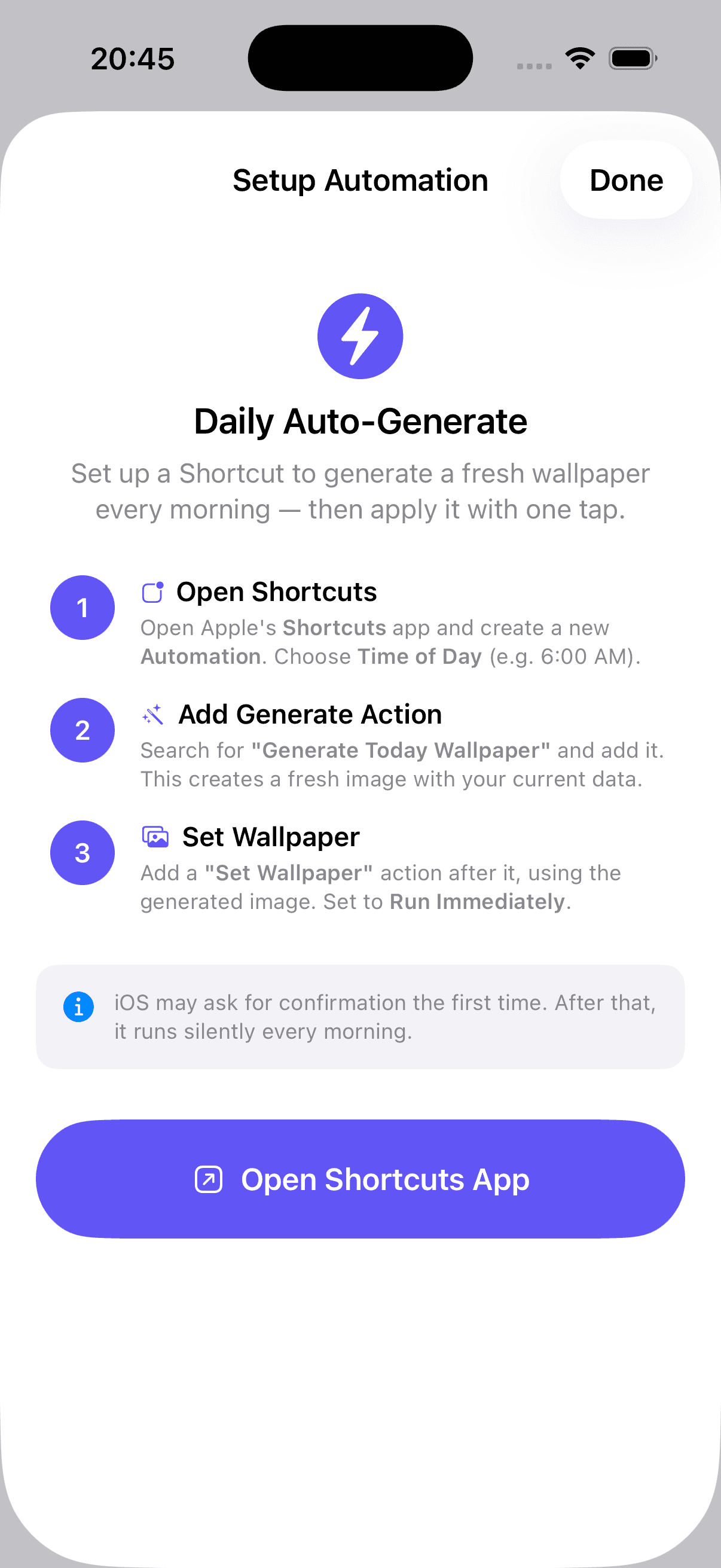
Apple Shortcuts generates your dashboard and saves it to Photos on your schedule. A notification lets you know when it is ready in Photos.
Make it unique.
Make it yours.
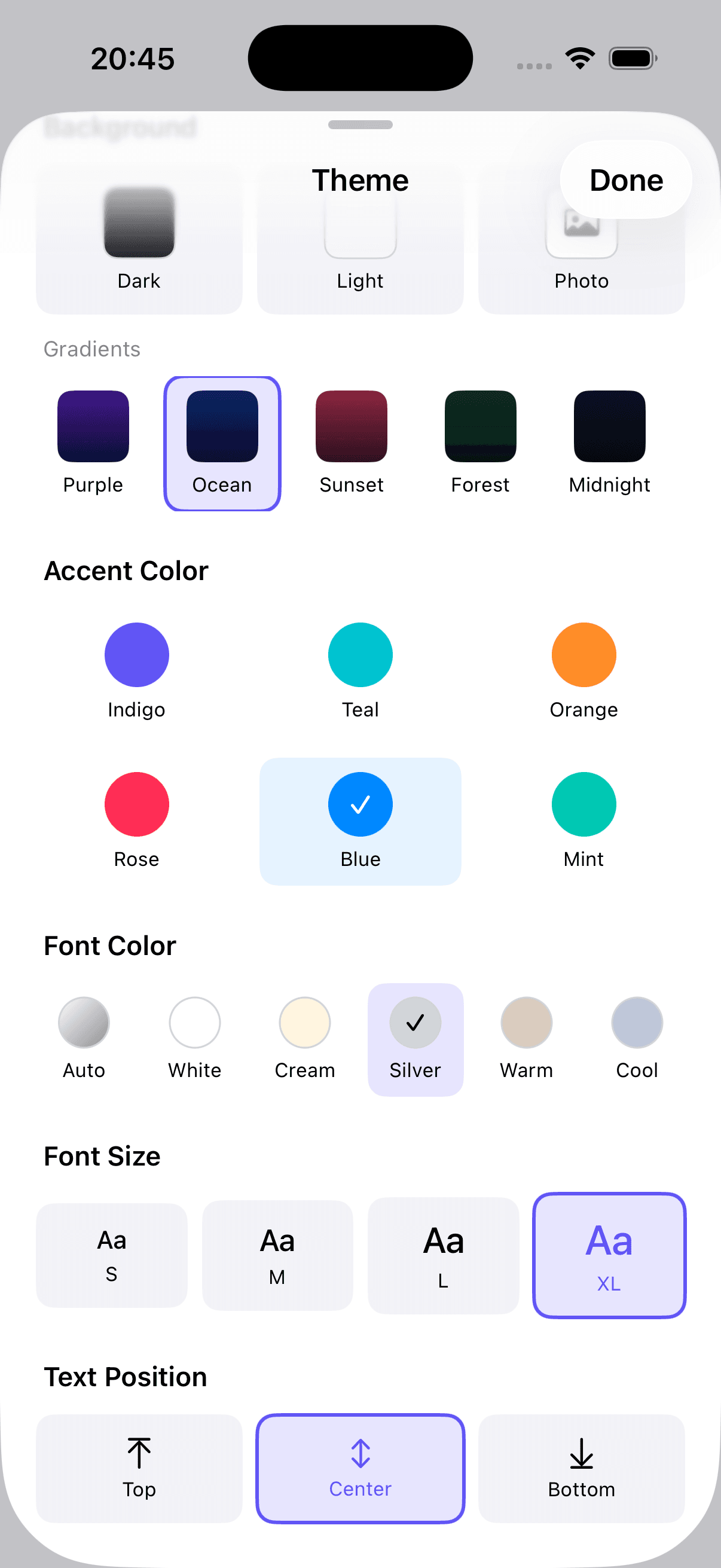
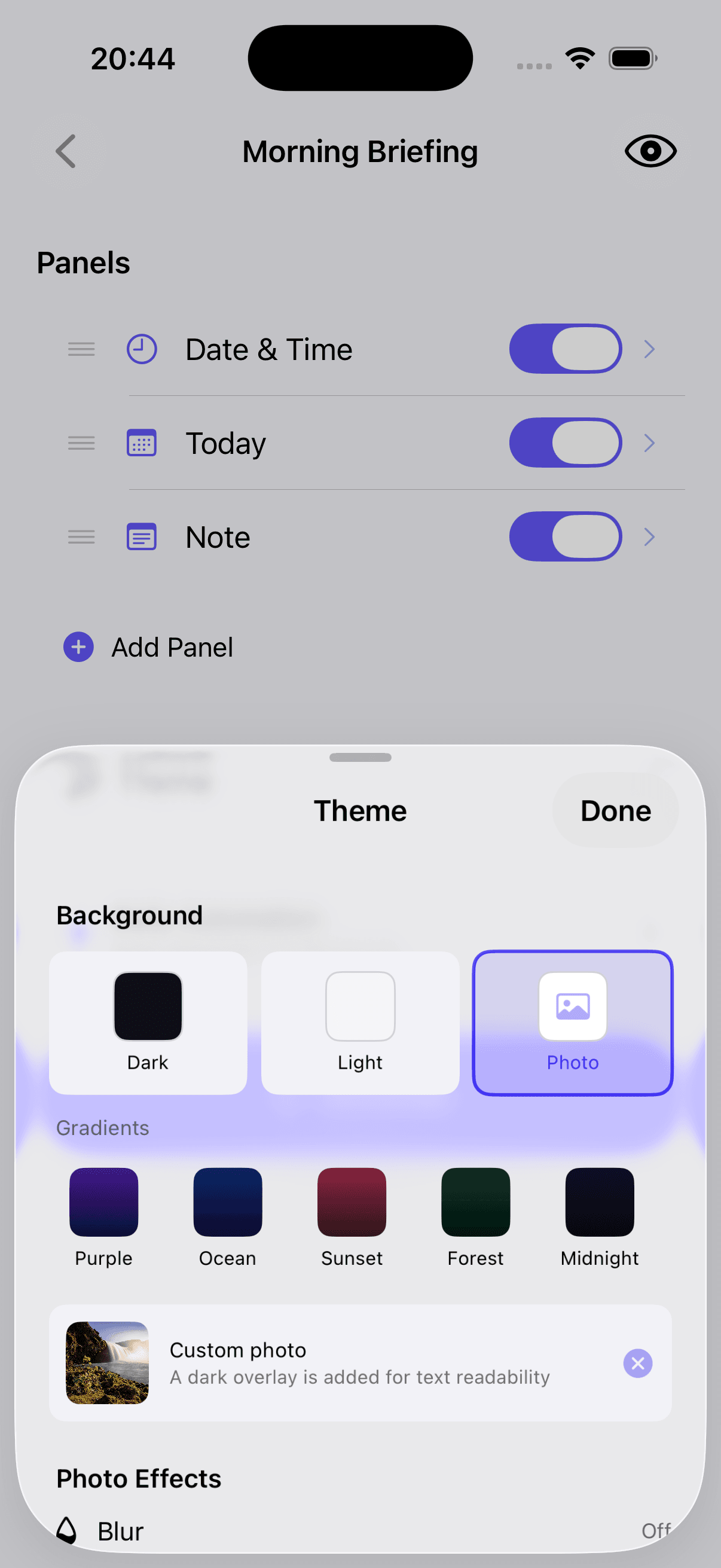
Choose any layout from the presets and customize it to your needs. Adjust panels, themes, colors, and backgrounds to create a dashboard that fits your style perfectly.
- 13+ Built-in Templates
- Custom Themes & Gradients
- Configurable Panels
- Photo Backgrounds
- Shortcuts Automation
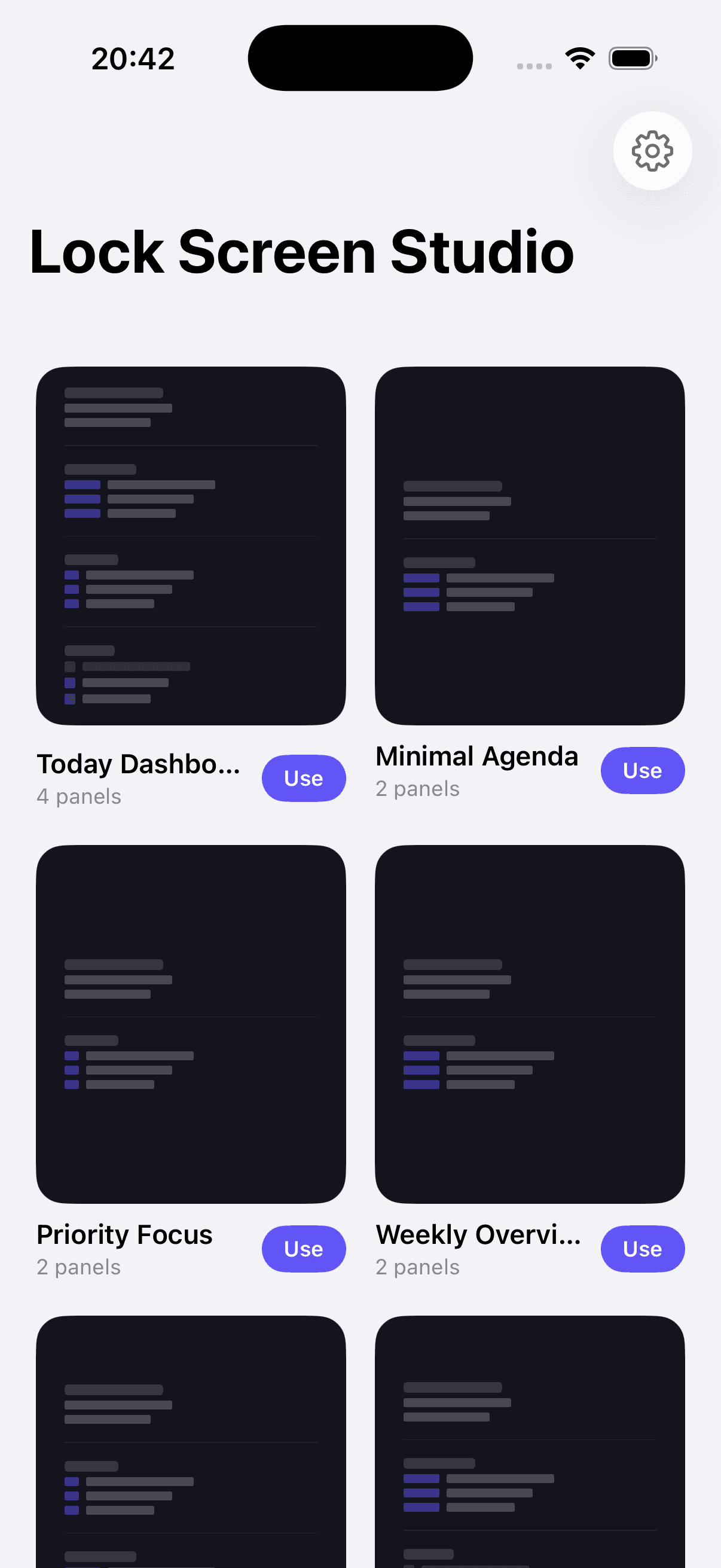
A template for every day.
From minimal agendas to full dashboards — pick one and make it yours.
Today Dashboard
Complete daily overview
Minimal Agenda
Clean calendar view
Priority Focus
PROBold top 3 priorities
Countdown
Track big events
Morning Briefing
Agenda + daily note
Full Dashboard
PROEverything at a glance
Set it up in minutes.
Three simple steps to a smarter Lock Screen.
Choose a Template
Browse 13+ built-in templates designed for different lifestyles — students, professionals, fitness enthusiasts, and more.
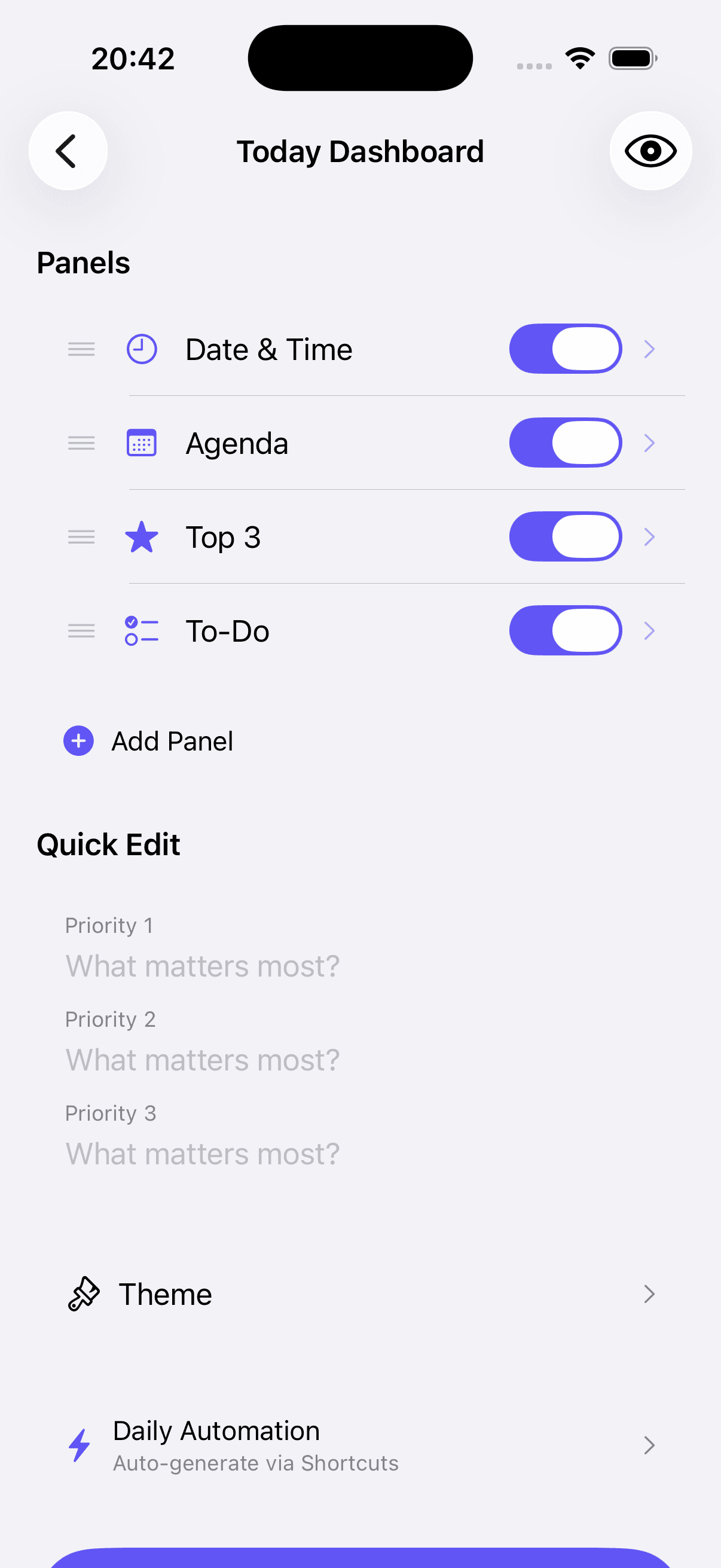
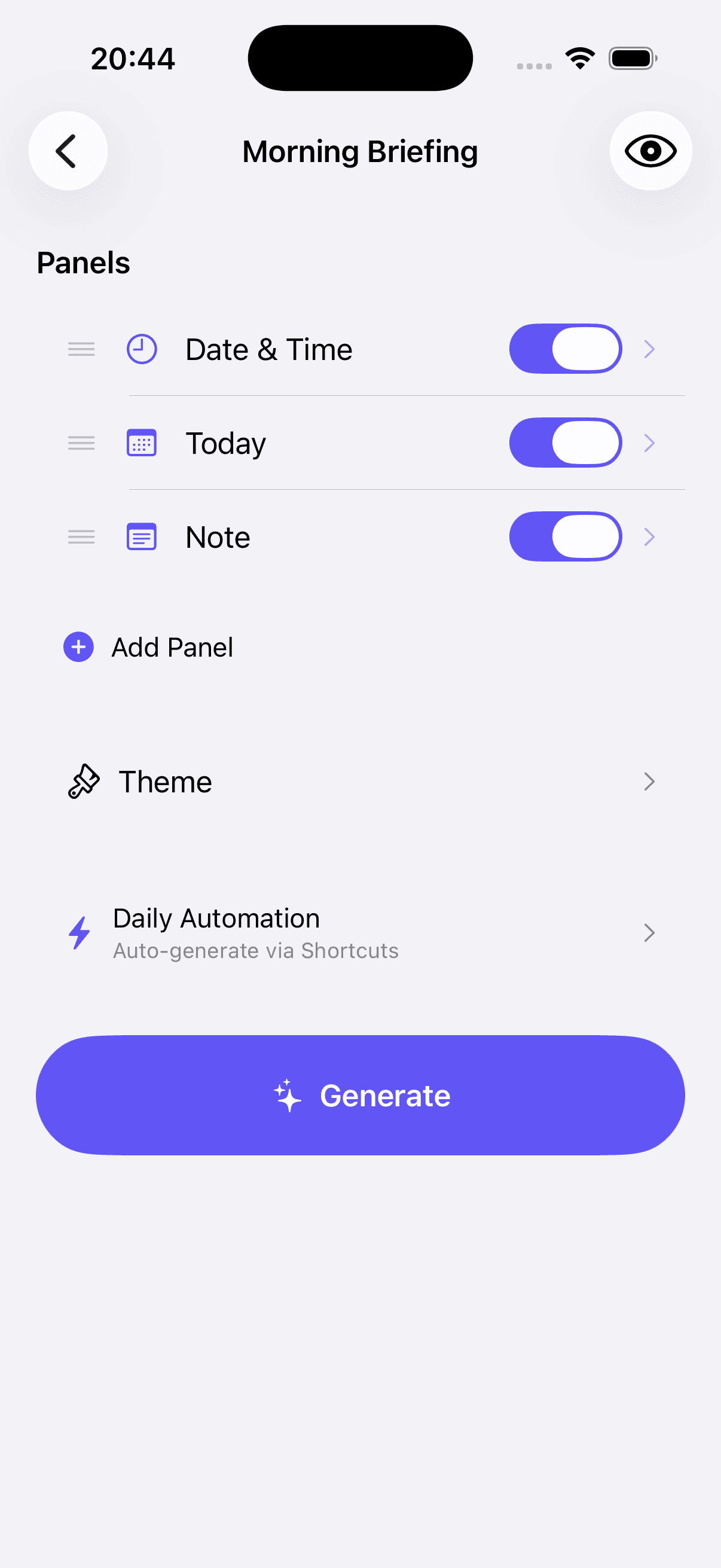
Customize Your Panels
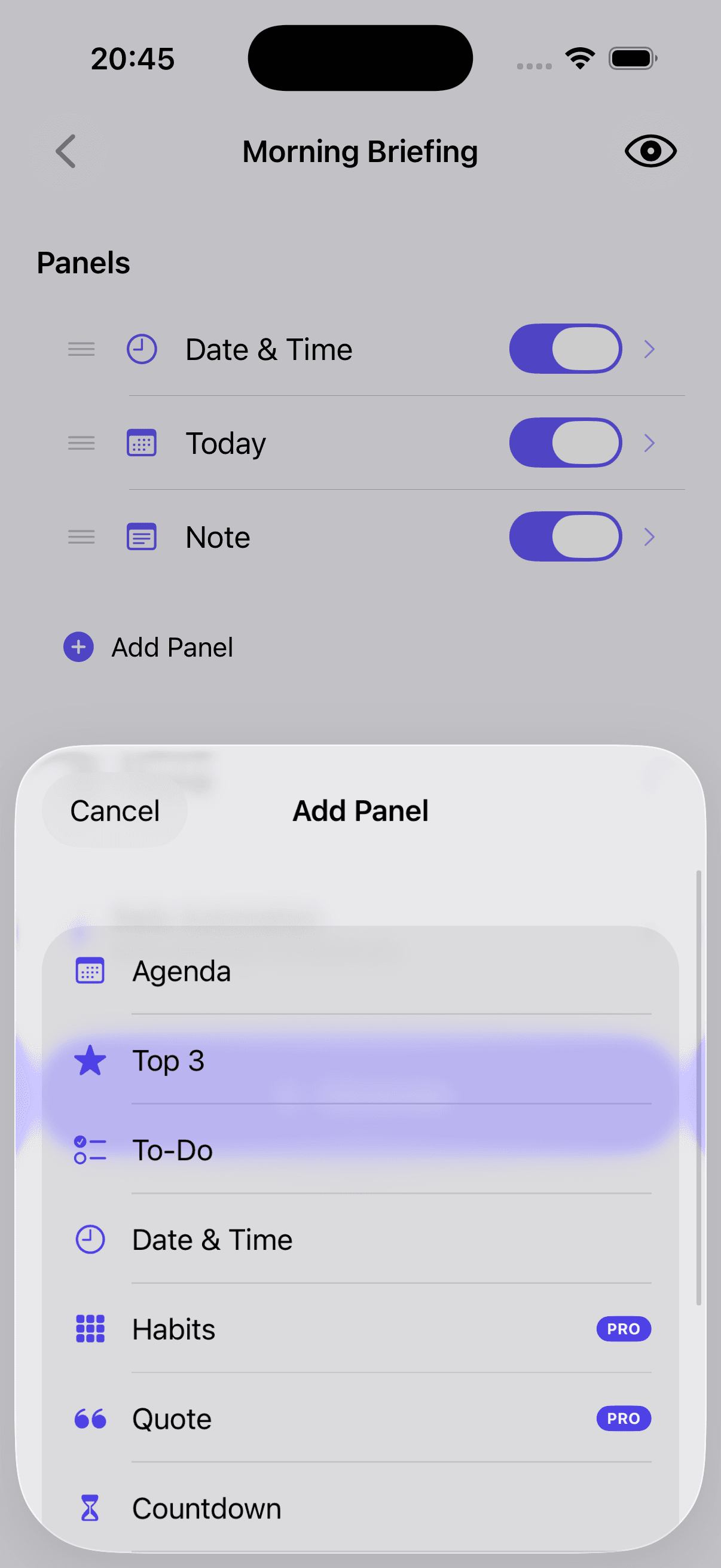
Toggle panels on or off, reorder them, tweak settings. Add agenda, priorities, to-dos, countdown, notes — whatever you need.
Generate & Apply
Hit Generate to save the wallpaper to Photos, then apply it as your Lock Screen. Pair with Apple Shortcuts so a fresh one lands in Photos every morning, ready when you are.
Frequently Asked Questions
Your Lock Screen,
reimagined.
Download for free and start building your personal dashboard today.
Free with optional Pro upgrade · iOS 17+